Monitors by NCC load category
Power, Lighting, Mechanical, Lift, Hot Water, Renewable, EV Charging, Battery and Other, matching the services in NCC clause J9D3(2).
Home / Product
The PhaseLink systemPhaseLink is an all-in-one energy monitoring and management system for Australian commercial buildings. Standard meters in the switchboard, our own software hub, and a live dashboard on a screen built into the box. It can run completely air-gapped, with no internet or building network connection.
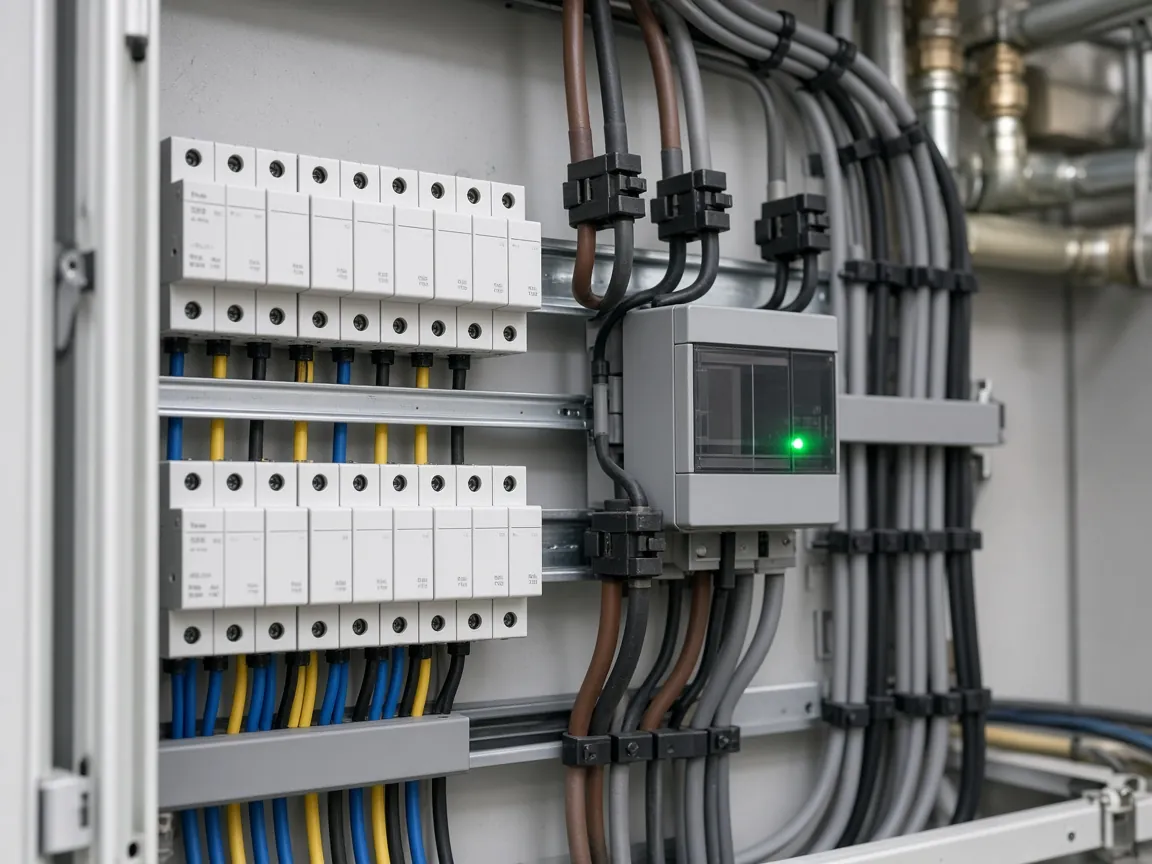
Most buildings need energy monitoring to meet the NCC, not a full building management system. So the PhaseLink base system is deliberately simple: it records energy by service, shows it clearly and keeps the data safe, at a low cost and with a simple install. Reports and the optional remote dashboard are there when you want them. It's built from commercial off-the-shelf hardware and software we've written from scratch.
Power, Lighting, Mechanical, Lift, Hot Water, Renewable, EV Charging, Battery and Other, matching the services in NCC clause J9D3(2).
The software hub, storage and dashboard screen are all part of the PhaseLink box. No cloud, no internet connection and no ongoing fees.
Open protocols (Modbus TCP and MQTT) and off-the-shelf meters instead of proprietary kit, so you're not locked in.
As standard, PhaseLink shows its live dashboard on a screen built into the box. The whole system can run completely air-gapped: no internet, no cloud and no connection to the building's network.
As standard, there's no connection to the internet or the building network, so there's no remote path into the system and the building's data stays in the box.
Nothing to plug into the building network, so there are no firewall changes or IT sign-offs to chase, and recording doesn't depend on anyone else's network.
No cloud service and no ongoing fees. Everything the site needs runs on the PhaseLink box.
Remote dashboard (optional). Air-gapped with the built-in screen is the standard. If the site wants it, the box can be connected to the building's local network, and the dashboard opens as a web page from any computer on that network.
Standard DIN-rail energy meters in the switchboard, one per service or circuit you need to record. The first supported meter is the three-phase Shelly Pro 3EM, which reads power, energy, voltage, current and frequency. More meter brands are being added.
The all-in-one PhaseLink box. It collects readings from every meter, stores them in crash-safe local storage, and runs the dashboard. Commercial off-the-shelf hardware running PhaseLink's own software.
The live dashboard and admin page run on a screen built into the PhaseLink box, as standard. Admin, master and viewer logins control who can see and change what. Optionally, the dashboard can also be opened as a web page on the building's local network.

The dashboard runs on the screen built into the PhaseLink box. If the site also wants to view it from a computer, connect the box to the building's local network and use the optional web dashboard.
Run an NCC energy report for any month, day or custom date range, then export it to CSV or a print-ready PDF. On an air-gapped box, reports are exported to a USB stick. Reports are there when you need them, but the system records everything for NCC whether or not anyone runs one. Viewer logins can run reports too, so owners and facility managers don't need admin access.
Energy for each of the nine NCC J9D3 service categories, plus total consumption, solar generation and net.
Peak site demand with the time it happened, and a day-by-day breakdown across the report period.
A data-completeness check for every meter. Gaps are listed, never estimated. The report also includes the full meter list.
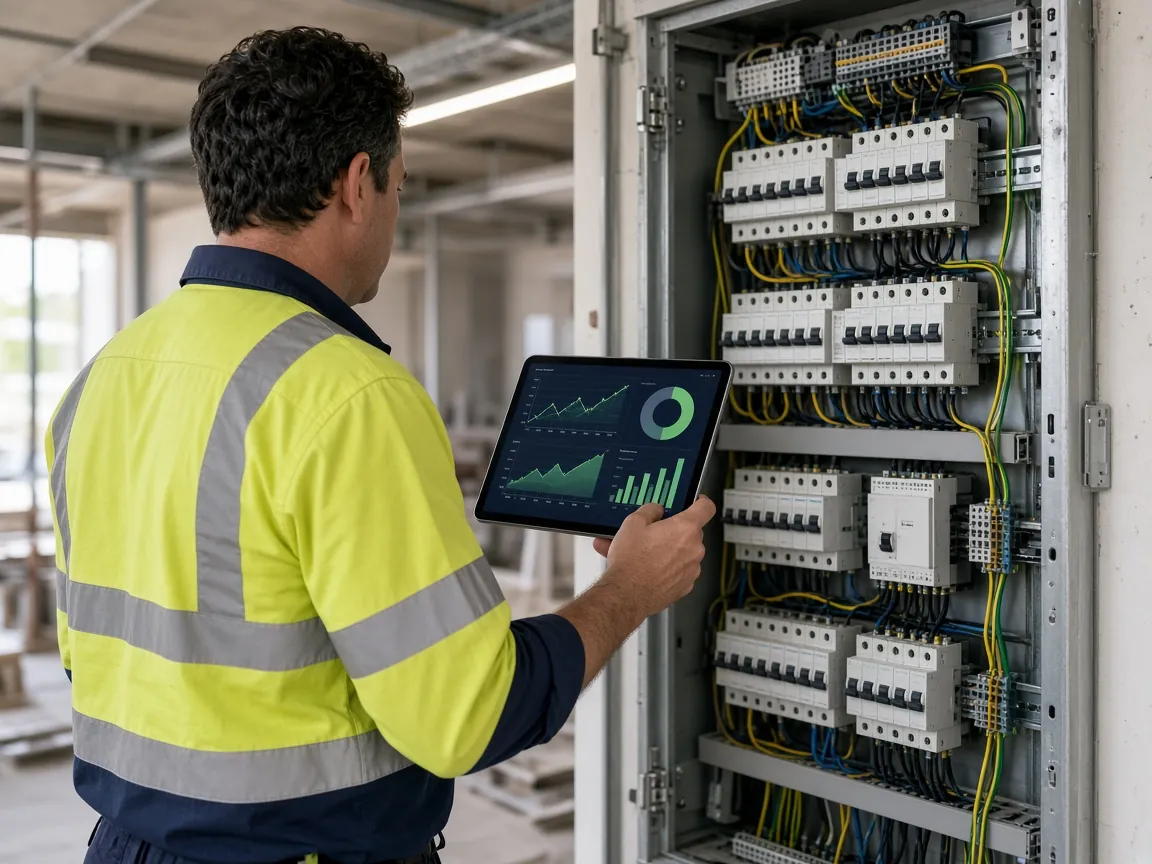
PhaseLink is designed to be installed by the electrician already on the job, without a specialist integrator. One box, standard meters and a simple admin page mean it's quick to deploy, in hours rather than weeks.
When a new meter is detected, the hub lists it in the admin page for you to add or ignore, so nothing gets recorded by accident.
Install supported meters on each service you need to record, following the project's metering schedule.
Mount the PhaseLink box and connect the meters to it. No connection to the building network or internet is needed.
In the admin page, add each meter and assign it to its NCC load category and to consumption or generation.
Set up admin, master and viewer logins. The site is recording and the dashboard is live on the box's built-in screen.
An energy record is only useful if it's complete. PhaseLink is built for plant rooms and switchboards, not data centres.
Built for electrical contractors on commercial jobs, and for the builders, developers, owners and facility managers who want clear energy visibility without a full building management system.
Priced well below the big industrial EMS brands, so energy monitoring doesn't eat the margin.
One box and a simple admin page. No specialist integrator needed.
Standard meters and open protocols, not proprietary hardware.
No ongoing fees and no cloud dependency. The data stays on the PhaseLink box.
Support for more meter brands and models beyond the Shelly Pro 3EM.
Multi-meter sites of 50 to 200+ meters, and circuit-level monitoring.
Tell us about the building, the number of meters and your timeline, and we'll come back to you.